TiviMate Setup Guide 2026: Xtream Codes & M3U Playlist on Firestick and Android TV
Last updated: · 2 min read · Playlist IPTV
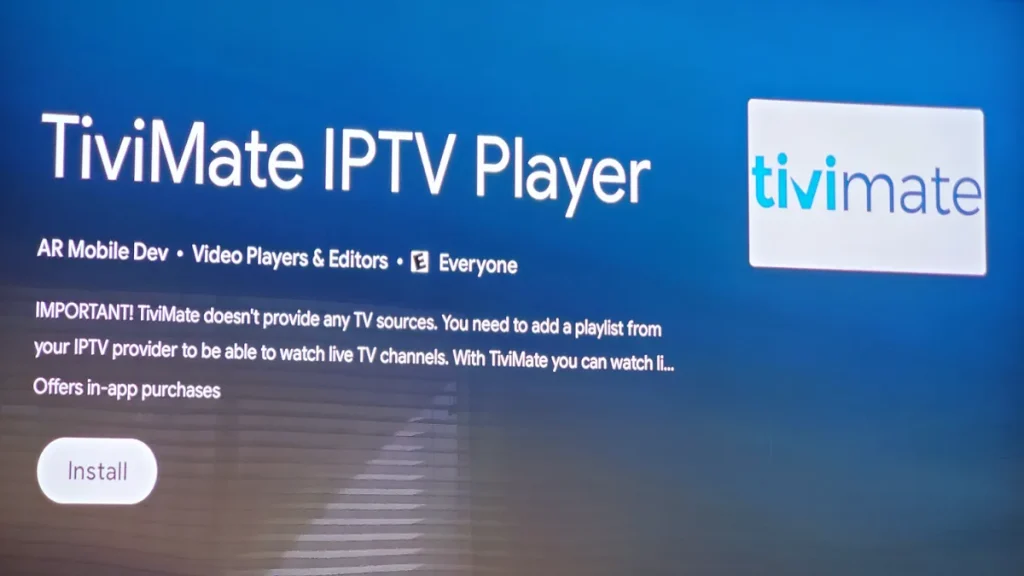
TL;DR: Install TiviMate, open it, choose Add playlist → Xtream Codes login, and enter the server URL, username and password from your subscription email. That's it — channels, movies and the TV guide load automatically. Prefer M3U? Choose M3U playlist instead and paste your playlist URL.
Important: TiviMate is only a player — it sells no channels. You need an IPTV subscription (like ours) plus the TiviMate app to watch.
TiviMate free vs Premium#
- Free: one playlist, basic playback. Enough to test your subscription.
- Premium (paid, via the separate TiviMate Companion app on Google Play): multiple playlists, favorites, catch-up, recording, auto EPG update. One license covers up to 5 devices.
Buy Premium only from the official Companion app or tivimate.com — never from random websites.
What you need#
- Your subscription details: Xtream Codes (server URL, username, password) or your M3U playlist URL — from your welcome email after ordering.
- The TiviMate app installed (Google Play on Android TV; on Firestick, sideload it with the Downloader app).
No subscription yet? [Get instant activation here](/).
Setup steps with Xtream Codes (recommended)#
- Open TiviMate and select Add playlist.
- Choose Xtream Codes login.
- Enter the Server URL exactly as in your welcome email (including
http://and the port number). - Enter your Username and Password, then confirm.
- Wait for the playlist to load — channels, movies, series and the EPG appear automatically.
- Optional: go to Settings → EPG and enable Update EPG on startup so the guide stays fresh.
Setup steps with M3U playlist#
- Open TiviMate and select Add playlist.
- Choose M3U playlist and paste your playlist URL (long-press to paste on TV remotes).
- After it loads, go to Settings → EPG → EPG sources → Add source and paste your EPG URL from the welcome email.
- Return to the guide and refresh — program info appears within a few minutes.
New to these two methods? Read [M3U vs Xtream Codes](/guides/m3u-vs-xtream-codes) first.
Frequently Asked Questions
Is TiviMate free?
The player is free with one playlist. Premium is a paid upgrade for extra features. Your IPTV subscription is separate and paid to your provider.
Where do I enter Xtream Codes in TiviMate?
Open TiviMate → Add playlist → Xtream Codes login. Enter server URL, username and password — not the M3U link.
Why is my EPG empty?
With Xtream Codes it fills automatically — give it a few minutes and check your connection. With M3U you must add the EPG URL manually under Settings → EPG.
Can I use TiviMate on Firestick?
Yes. It's the most popular IPTV player on Firestick — install it via the Downloader app, then follow the Xtream Codes steps above.
TiviMate asks me to pay — is that the subscription?
No. That is TiviMate Premium (the player's own optional upgrade). Your channel subscription is separate. --- Your player is ready — now you just need the subscription. [Buy IPTV with Bitcoin, activated in minutes](/).
Related guides

Ready to watch? Get instant activation.
M3U playlist + Xtream Codes login + EPG — delivered by email in minutes. Pay with Bitcoin.
Buy IPTV with Bitcoin